Remote work is growing fast. More people now work from home, cafes, and shared spaces. While this brings freedom, it also creates security risks. That’s where a secure VPN for remote workers becomes very important.
In this guide, we will explain everything in simple words. You will learn how VPNs work, why they matter, and how to choose the best one.
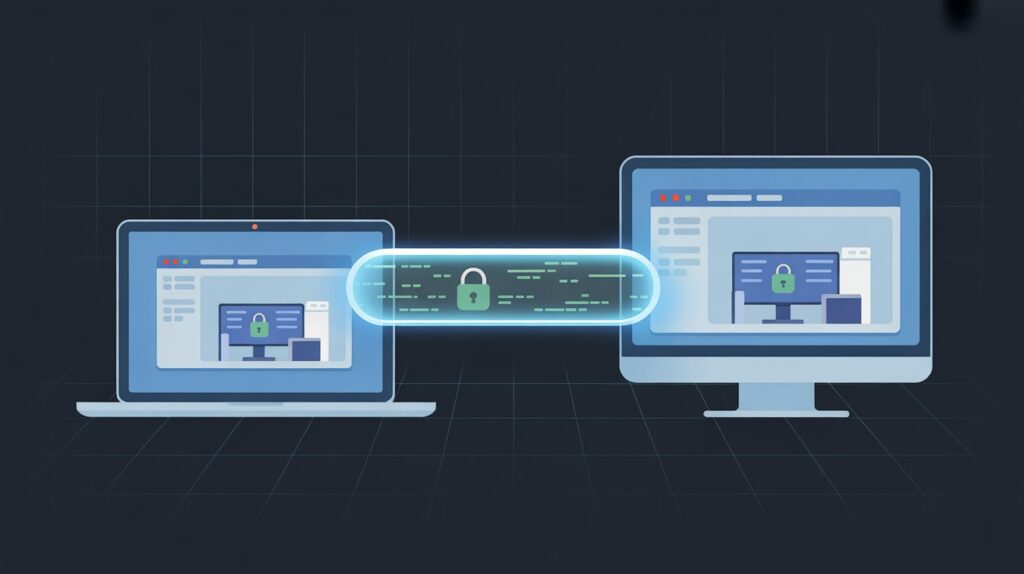
What Is a VPN and Why Remote Workers Need It
A VPN stands for Virtual Private Network. It creates a secure connection between your device and the internet.
When you use a VPN:
- Your data is encrypted
- Your IP address is hidden
- Your online activity becomes private
For remote workers, this is critical. You often access company data from different networks. Public Wi-Fi in cafes or airports is not safe.
That’s why many companies say remote workers must use VPN to access Salesforce or other tools. It protects sensitive business data from hackers.
How Does VPN Work for Remote Workers
Let’s understand how does VPN work for remote workers in simple terms.
When you connect to a VPN:
- Your device connects to a VPN server
- All your internet traffic goes through that server
- Your data is encrypted before leaving your device
- Websites see the VPN server instead of your real location
This process keeps your information safe.
For example:
- Without VPN → Anyone can see your data on public Wi-Fi
- With VPN → Data is encrypted and unreadable
This is why a secure VPN for remote workers is essential.
Benefits of VPN for Remote Workers
There are many benefits of VPN for remote workers. Let’s explore them in detail.
1. Strong Data Security
VPNs use encryption to protect your data. Even if hackers try to intercept it, they cannot read it.
This is important when:
- Accessing company dashboards
- Sending emails
- Uploading files
2. Safe Access to Company Systems
Many companies require VPNs to access internal systems.
This includes:
- CRM tools
- Cloud storage
- Employee portals
That’s why remote workers must use VPN to access Salesforce and similar platforms.
3. Protection on Public Wi-Fi
Public Wi-Fi is risky. Hackers can easily steal data.
A VPN protects you by:
- Encrypting your connection
- Blocking unauthorized access
4. Privacy and Anonymity
VPN hides your IP address. This keeps your identity private.
It also prevents:
- Tracking by websites
- Data collection by advertisers
5. Access to Global Content
Sometimes remote workers need access to region-specific tools or content.
A VPN helps you:
- Change virtual location
- Access restricted websites
Key Features of a Secure VPN for Remote Workers
Not all VPNs are the same. You need a reliable one.
Here are the must-have features:
1. Strong Encryption
Look for AES-256 encryption. It is the highest standard.
It ensures your data stays protected at all times.
2. No-Logs Policy
A good VPN should not store your data.
This means:
- No tracking
- No history saved
This improves privacy.
3. Fast Speed
Remote work needs speed.
Choose a VPN that offers:
- Fast servers
- Stable connection
Slow VPNs can affect your productivity.
4. Multiple Server Locations
More servers mean better performance.
It also allows:
- Flexible access
- Better connection options
5. Kill Switch
A kill switch disconnects your internet if the VPN drops.
This prevents data leaks.
Best VPN for Remote Workers Reddit Insights
Many users discuss VPNs online. Searching for best vpn for remote workers reddit gives real user feedback.
Common recommendations include:
- Reliable speed
- Strong privacy features
- Easy-to-use apps
Users often prefer VPNs that balance security and performance.
However, always verify information. Not all online opinions are accurate.
When Remote Workers Must Use VPN
VPNs are not optional in many cases.
Here are situations where they are required:
1. Accessing Company Tools
Companies often restrict access to internal systems.
Examples include:
- CRM platforms
- Financial software
- Employee dashboards
That’s why remote workers must use VPN to access Salesforce and similar tools.
2. Using Public Networks
Always use a VPN when:
- Working in cafes
- Traveling
- Using hotel Wi-Fi
3. Handling Sensitive Data
If your work involves:
- Customer data
- Payment details
- Confidential files
Then a VPN is necessary.
Risks of Not Using a VPN
Skipping a VPN can cause serious problems.
1. Data Theft
Hackers can steal:
- Login credentials
- Personal data
- Company information
2. Identity Exposure
Without a VPN, your IP address is visible.
This can reveal:
- Your location
- Your identity
3. Malware Attacks
Unsecured networks can spread malware.
VPN adds an extra layer of protection.
How to Choose the Right VPN
Choosing the right VPN is important.
Here’s a simple guide:
1. Check Security Features
Make sure it offers:
- Strong encryption
- No-logs policy
- Kill switch
2. Look at Speed
Test the VPN speed.
It should support:
- Video calls
- File uploads
- Remote access tools
3. Device Compatibility
Ensure it works on:
- Laptop
- Smartphone
- Tablet
4. Easy Setup
A good VPN should be simple to use.
Look for:
- One-click connection
- Clean interface
5. Customer Support
Reliable support is important.
Choose a VPN with:
- 24/7 help
- Quick response time
How to Set Up a VPN for Remote Work
Setting up a VPN is easy.
Follow these steps:
- Choose a trusted VPN provider
- Download the app
- Install it on your device
- Log in to your account
- Connect to a server
Once connected, your internet is secure.
Common Mistakes to Avoid
Many users make simple mistakes.
Avoid these:
1. Using Free VPNs
Free VPNs can be risky.
They may:
- Track your data
- Show ads
- Have weak security
2. Ignoring Updates
Always update your VPN app.
Updates fix:
- Bugs
- Security issues
3. Not Using VPN Consistently
Use VPN at all times while working.
Do not turn it off randomly.
VPN and Productivity: What You Should Know
Some people worry VPN slows down work.
But modern VPNs are fast.
They allow:
- Smooth video calls
- Fast downloads
- Stable connections
A good secure VPN for remote workers improves both security and productivity.
VPN Use in Different Remote Work Roles
Different jobs require different levels of security.
1. Freelancers
Freelancers use VPN to:
- Protect client data
- Access global platforms
2. Corporate Employees
They need VPN for:
- Secure company access
- Safe communication
3. IT Professionals
They use VPN for:
- Managing servers
- Secure system access
Future of VPN for Remote Work
Remote work is here to stay.
VPNs will become even more important.
Future trends include:
- Faster VPN technology
- Better encryption methods
- Integration with company systems
Businesses will continue to require VPNs for safety.
Final Thoughts
A secure VPN for remote workers is not just an option. It is a necessity.
It protects your data, keeps your identity private, and allows safe access to company systems.
Let’s quickly recap:
- VPN encrypts your data
- It protects you on public networks
- It ensures safe remote work
- It improves privacy and security